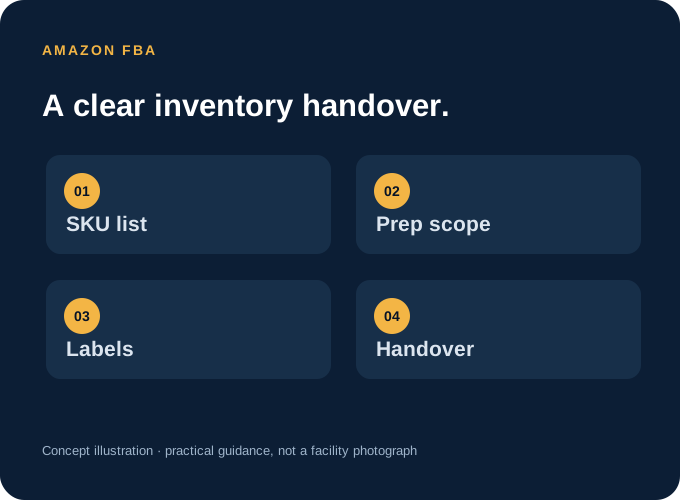
Know which stage you are preparing for
FBA preparation concerns inventory that will go onward to Amazon. It differs from picking and packing an individual customer order at an independent fulfilment warehouse. Keep those two workflows separate when you request a quote, provide labels or discuss parcel rates.
Amazon explains that inventory must meet its preparation and shipment requirements before entering its fulfilment network. Use the current instructions for your products in Seller Central; this checklist helps organise the handover, while the platform provides the product-specific rules.
Build one consistent product list
- Your own SKU and the product name or variant.
- The Amazon product identifier needed for the shipment.
- Expected unit quantity for each SKU, separated by carton where useful.
- The barcode or labelling instructions required for that product.
- Dimensions, weight and any special handling information.
A variant should be easy to distinguish from the product beside it. If two items have similar packaging, include a clear description or reference image in the handover. Agree how unexpected units, shortages or mixed cartons will be reported rather than leaving the receiving team to guess.
Agree the preparation scope before arrival
Amazon’s official overview highlights suitable packaging, scannable unit barcodes and protective preparation where the product requires it. The right work depends on the item. Check the current requirement for each SKU, then tell your prep provider precisely what needs doing.
| Item to clarify | Information to provide |
|---|---|
| Labels | The required barcode/label instructions and the correct label files. |
| Packaging | Current preparation instructions for the product and any agreed protective materials. |
| Sets or bundles | Which units form one sellable product and how it should remain identified as a set. |
| Product condition | Any damage, leakage, fragile parts or other issues that need inspection before preparation. |
| Exceptions | Who should be contacted if the stock or instructions do not match. |
This is a planning checklist, not a statement that LuxFlow accepts every product or prep category. Confirm suitability and the work required before stock is sent.
Keep inbound shipment documents together
Follow your current Seller Central workflow for shipment creation, destinations and box identification. Keep the product list, unit labels where required, carton information and collection details together. Make sure the versions supplied to the prep team relate to the shipment you actually intend to send.
Product labels and shipment or carton labels serve different purposes. Do not treat one file as a substitute for all the others. If the shipment changes, tell the team which instructions have been replaced before preparation or onward dispatch.
Check the handover in five steps
- Confirm that the prep provider can handle the products and required work.
- Send the SKU list and expected quantities before the stock arrival.
- Provide the correct current label files and preparation instructions.
- Agree how receiving discrepancies or damaged items will be reported.
- Confirm who arranges onward transport and what is needed for the handover.
What to send LuxFlow for an FBA prep quote
Share your products, unit counts, labelling instructions, packing requirements and intended onward shipment. LuxFlow’s Amazon FBA prep service covers agreed preparation work from its Cardiff location. The scope and rate are discussed against those requirements; the UK customer-parcel introductory rates should not be used as an assumed FBA prep quote.
If a rule or label instruction is unclear, resolve it in your seller account before the stock reaches the preparation stage. A current product-specific instruction is more useful than a general checklist from an older shipment.
Sources & further reading
- Amazon UK: Fulfilment by Amazon ↗ — Official overview, including packaging and preparation guidance.
- Amazon Seller Central: packaging requirements ↗ — Check current product-specific requirements in your seller account; sign-in or JavaScript may be required.
External references checked on 13 October 2026. Use the current platform instructions when preparing a live shipment or processing a return.